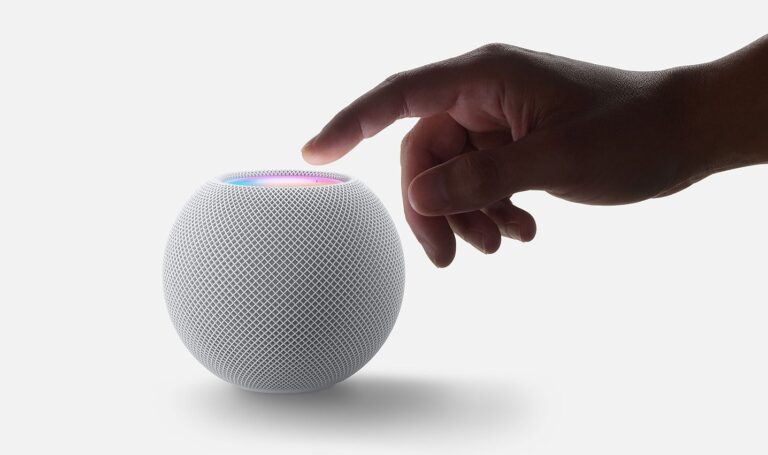
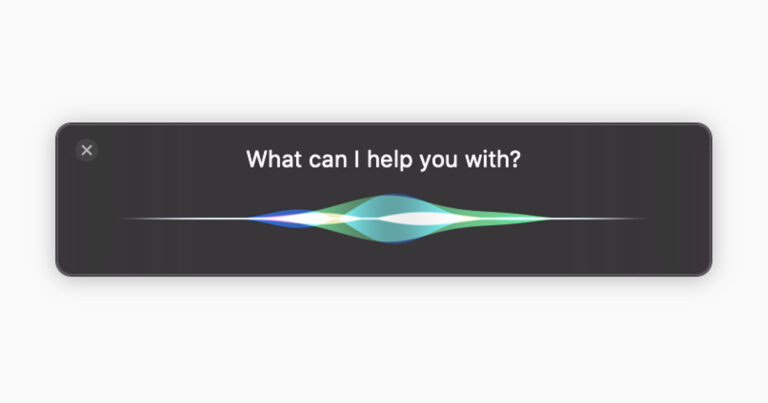
Siri přes HomePod umí pracovat i s kalendářem. Jen nezapomeňte v telefonu v Nastavení/Settings > Kalendář/Calendar -> Výchozí Kalendář/Default Calendar nastavit ten správný. Pak už můžete používat:
- Hey Siri, Create a calendar event from od kdy on datum called pojmenování událost
- Hey Siri, create and all-day calendar event for datum called pojmenování událost
- Hey Siri, invite jméno kontaktu to pojmeování události
- Hey Siri, change the time of pojmenování událost to nový čas
- Hey Siri, change the name of čas appointmen to nové pojmenováni
- Hey Siri, delete the event called pojmenování
- Hey Siri, delete my čas appoitnment today
- Hey Siri, whats‘ on my calendar today?
Nechybí ani vytváření poznámek a připomínek
- Hey Siri, remind me at čas to název připomínky
- Hey Siri, what are my reminnders
- Hey Siri, mark my reminder called název as complete
- Hey Siri, take a note obsah poznámky
- Hey Siri, read my latest note
Pokud na vašem telefonu jsou nějaké aplikace ovladatelné přes Siri, tak by to mělo fungovat i na HomePodu. Což může obnášet potřebu určit jakou aplikaci má Siri využít – například „Hey Siri, create a reminer with TodoIst„
Další tipy týkající se Apple HomePod